
A game to play on a Discord call, with no screen share
Most "Discord games" mean one person shares a screen while everyone else watches or types. In Rubble Rally everyone plays on their own device: paste one link in the chat and up to 8 friends are racing together within a minute.
▶ Play free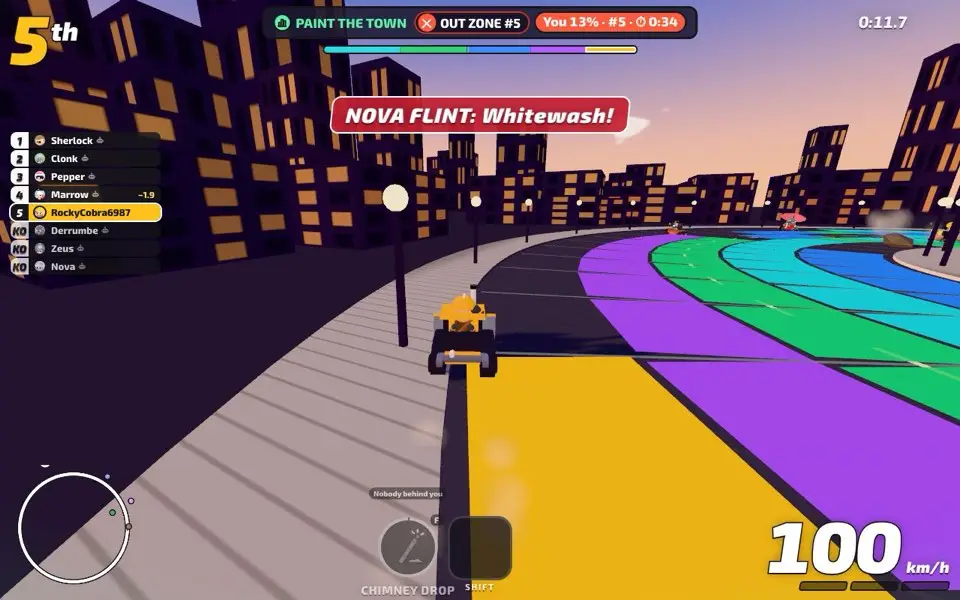
Why it works on a call
- Everyone plays. No screen share and no lag from watching a stream.
- One link in the chat. Create a party, paste the link in the Discord text channel and friends click it. It opens in the browser.
- No install. The friend on a phone and the friend on a gaming PC are in the same game.
- Something to shout about. Who moved on red? Who rammed the wrong bin? Who dropped a boulder on whom? It is a game made for voice chat.
How to set it up
- Join the voice channel as usual.
- One person opens the game and creates a party.
- Paste the party link (it looks like
rubble-rally.vercel.app/p/ABCD) in the text channel. - Everyone clicks it, picks a racer and readies up.
Keep Discord running for voice; the game has its own sound, and you can switch the game music off in the pause menu.
Rounds that are best on voice
- Hide & Seek: disguised as bins, trying not to laugh.
- Red Light, Green Light: the arguments write themselves.
- Zombie Tag: the zombies start coordinating, and the humans start panicking.
- Musical Parking: one bay too few, and somebody always gets rammed out.
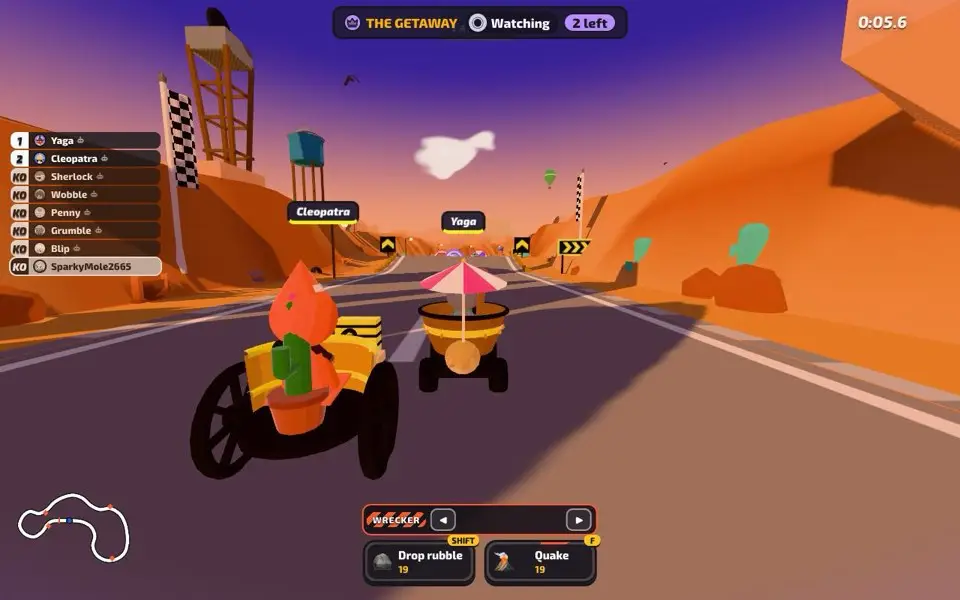
- The Getaway: the knocked-out players team up as Wreckers to stop the leaders.
Group size and length
A party holds up to 8 players. With fewer, bots fill the seats. A round takes about a minute and a full Show about ten, so you can play one Show or keep going all night. It works just as well on FaceTime, Zoom, a WhatsApp group call or in the same room.
More ideas: games to play with friends online.
FAQ
What games can you play on a Discord call?
Any browser game where each person plays on their own device works well. Rubble Rally is free: paste the party link in the chat and up to 8 friends join.
Do I need to screen share?
No. Everyone plays on their own phone or computer.
Is it a Discord Activity or bot?
No. It is a normal website, so there is nothing to add to your server. Just share the link.
Does it work on FaceTime or Zoom too?
Yes. Use any voice or video call and share the party link in the chat.
Free in your browser on phone and PC. No account, no download.